 SocialAgent
How to manage multiple social media accounts in one place
Running social for several brands, clients or locations is mostly an organisation problem. The fix is keeping each brand’s voice, accounts and calendar separate while working from one tool.
Free plan · Bring your own AI key · Approval before anything publishes
The short answer
To manage multiple social media accounts, use a tool with a separate workspace for each brand. Store each brand’s voice, visual style, timezone and connected accounts in its own workspace, create posts per brand, and review everything in that brand’s queue and calendar so nothing is posted to the wrong account.
Organise several brands in four steps
-
One workspace per brand
Each brand gets its own profile, Brand Kit, timezone and social accounts. Switching brands switches everything at once.
-
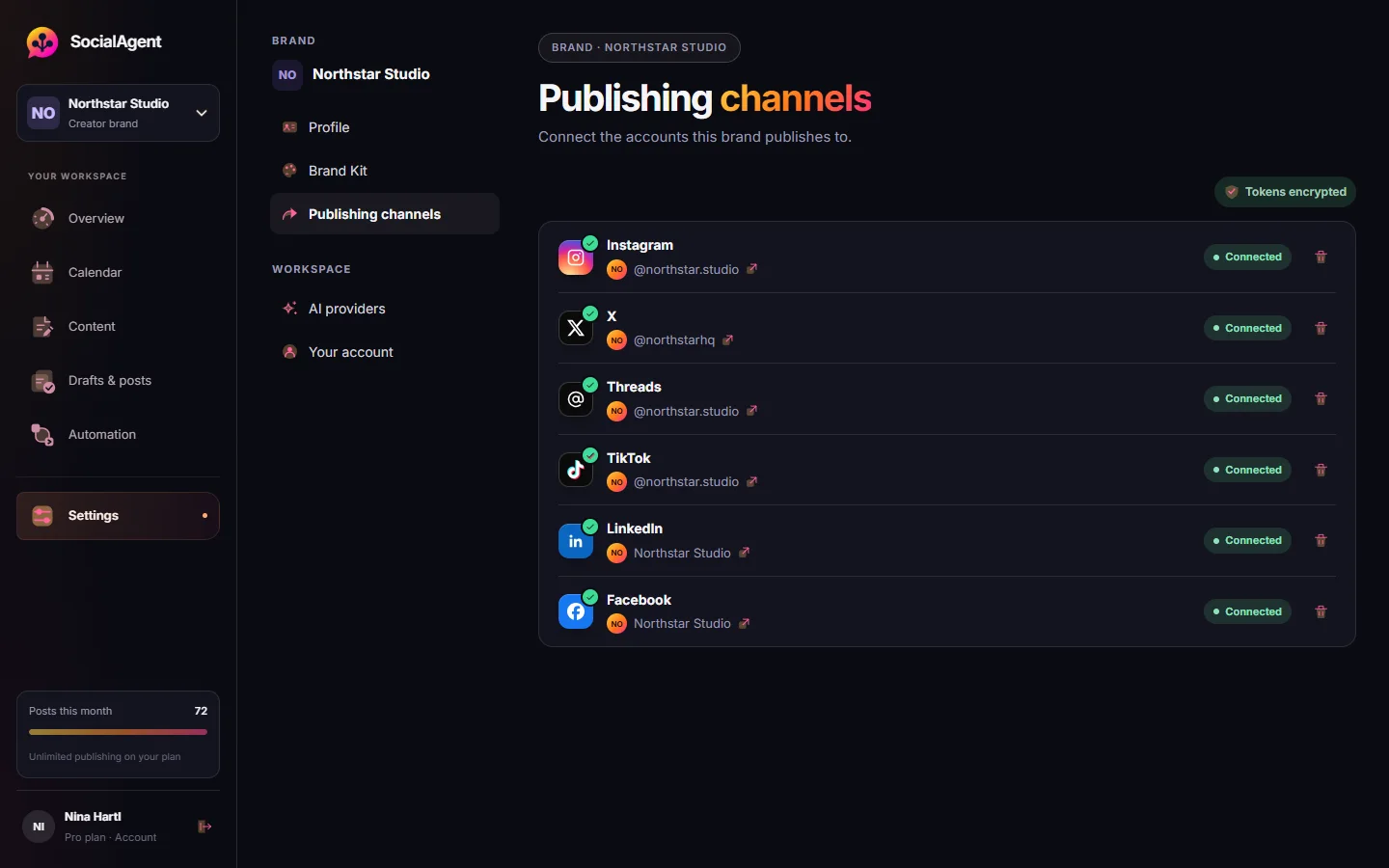
Connect accounts to the right brand
Link each Instagram, TikTok, LinkedIn Page or Facebook Page to the brand it belongs to.
-
Give each brand a rhythm
Separate posting schedules per brand, in that brand’s timezone.
-
Review brand by brand
Work through one brand’s queue at a time, so a client’s voice never leaks into another’s post.
The three classic multi-account mistakes
Posting to the wrong account
Solved by tying every account to a brand, and every draft to its destinations.
Voices bleeding together
Solved by a saved profile per brand that the AI reads for that brand only.
Timezone confusion
Solved by scheduling each brand in its own timezone, not yours.
Common questions
How many brands can I manage in SocialAgent?
The Free plan includes one brand. Pro includes unlimited brand workspaces, each with its own connected accounts.
Can I connect two Instagram accounts?
Yes, one per brand workspace. Each brand connects one account per platform, and Pro includes unlimited brands.
Can clients approve their own posts?
Today approval happens inside your workspace. Share previews with clients and approve on their behalf once they agree.
Is this suitable for agencies?
Yes, for small agencies and freelancers managing several clients. See our page for agencies for details.
Related guides and tools
Social media for agencies and freelancers
Manage social media for several clients: a workspace per brand, AI drafts in each client’s voice, their own connected accounts and one review flow. Pro €29/month.
Read more →Running social media for several brands without mixing them up
How to keep voice, accounts, research and approval separate when one person or a small team runs social for multiple brands or clients.
Read more →How to post to all social media at once
Publish one idea to Instagram, TikTok, LinkedIn, Facebook, Threads and X at once — with a caption adapted for each platform instead of one copy pasted everywhere.
Read more →Pricing
Compare Free and Pro plans for social media content creation and scheduling. Free includes 15 posts a month. AI provider usage is billed separately.
Read more →AI Content Creation & Social Media Scheduling
Create captions, images, carousels and videos for your brand. Plan posts in a social media calendar, review drafts and publish to six platforms.
Read more →Content Calendar Generator
A four-week posting plan from one topic: date, format, angle and hook for every slot.
Read more →Create your next post with AI
Free plan with 15 published posts a month. Bring your own AI key and review every post before SocialAgent publishes it.