 SocialAgent
AI Facebook post generator
Write Facebook posts that sound like your business, add images or video, and schedule them to your Page — alongside the rest of your channels.
Free plan · Bring your own AI key · Approval before anything publishes
Create a Facebook post with AI
-
Save your brand
Add your website; SocialAgent suggests your audience, tone and visual style.
-
Generate the post
Get a caption and, if you like, artwork or up to ten photos in one post.
-
Schedule to your Page
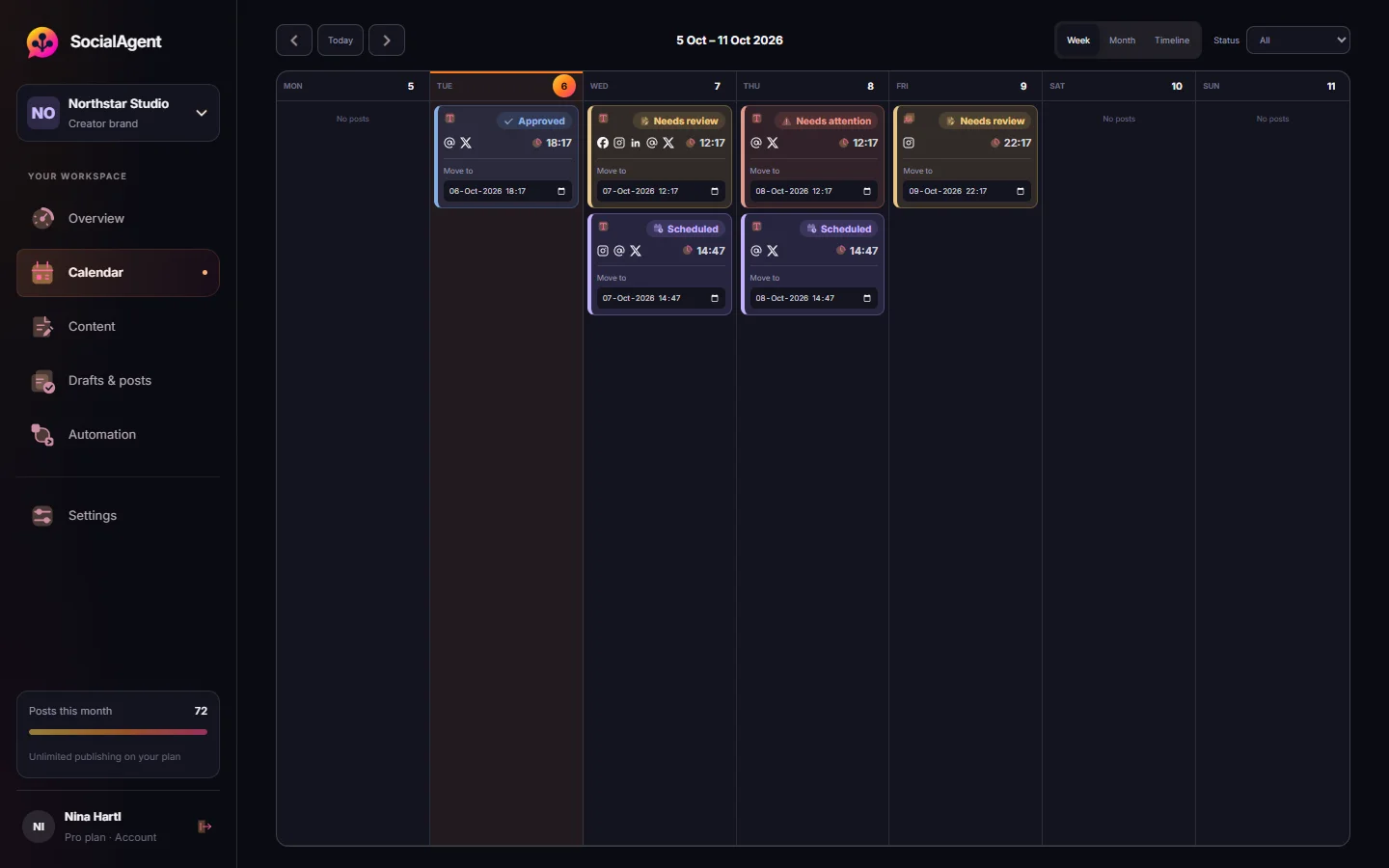
Approve it for a time in your brand’s timezone, and see the result when it publishes.
What you get
Conversational captions
A Facebook version written to start a conversation, separate from your other channels.
Photos and video
Single images, up to ten photos per post, or a video.
Pages you manage
Connect through Meta’s sign-in and choose the Pages to publish to.
Facebook and Instagram together
Send one draft to both, each with its own caption.
Local businesses
Opening hours, offers and events, written from facts you provide.
Review first
Every post waits for approval unless you opt in to automatic publishing.
Common questions
Can it post to Facebook groups?
No. SocialAgent publishes to Facebook Pages you manage.
Can I schedule Facebook and Instagram posts together?
Yes. Select both destinations on a draft; each keeps its own caption.
Is it free?
The Free plan includes 15 published posts a month across all six channels, using your own AI key.
Related guides and tools
Facebook Post Scheduler for Pages
Schedule Facebook Page posts with AI captions, photos and video. Review every draft and publish on a calendar in your brand’s timezone.
Read more →Social media for small business, without the extra hire
A simple way for small businesses to post consistently: AI drafts from your website, posts in your brand style, and scheduling to six channels. Free plan.
Read more →AI social media post generator
Generate social media posts with AI for Instagram, TikTok, LinkedIn, Facebook, Threads and X — one idea, a native version per platform, reviewed and scheduled.
Read more →AI Caption Generator
Turn a topic into caption variants shaped for Instagram, Threads or X — with the right length and a real call to action.
Read more →Post Ideas Generator
Twenty content angles for one topic, each tagged with the format it suits and the job it does.
Read more →AI Instagram post generator
Create Instagram posts with AI in your brand style: captions, images, carousels and Reels. Review each post, then schedule it to your Instagram account.
Read more →Create your next post with AI
Free plan with 15 published posts a month. Bring your own AI key and review every post before SocialAgent publishes it.