 SocialAgent
Auto post to Instagram, on your schedule
Set your posting days and times, let AI prepare the posts in your brand style, and have them published to Instagram automatically — after you approve them, or fully automatically if you choose.
Free plan · Bring your own AI key · Approval before anything publishes
Can you auto post to Instagram?
Yes. Instagram allows tools to publish automatically from Business and Creator accounts through its official API. Connect the account to a scheduler, schedule the post, and it publishes at that time without you opening Instagram. Personal accounts cannot be auto posted to.
Set up Instagram auto posting
-
Switch to a Professional account
Business or Creator. It is free and takes about a minute in Instagram settings.
-
Connect it to SocialAgent
Authorise through Meta’s official sign-in. No password is entered into SocialAgent.
-
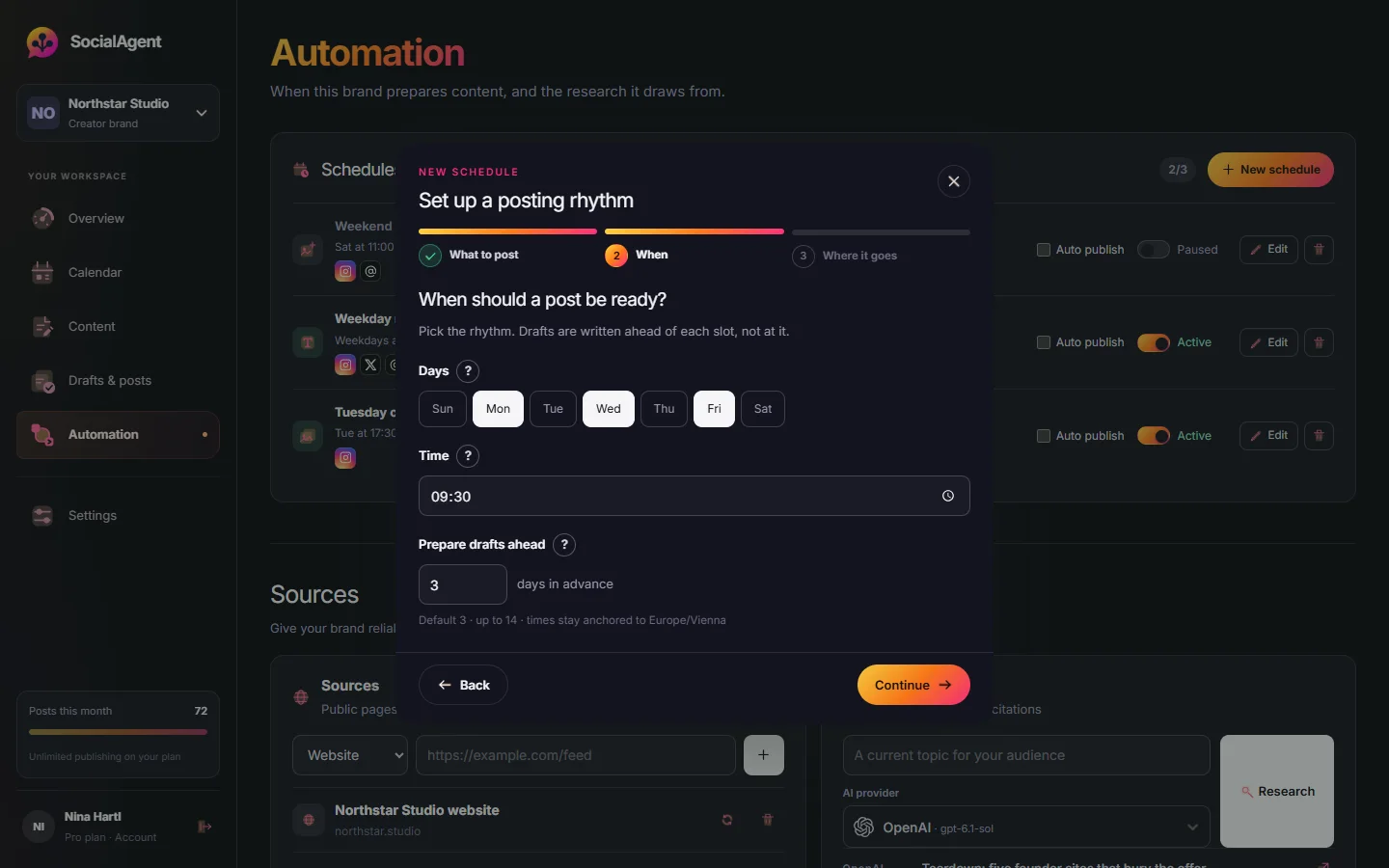
Set a posting schedule
Choose days and times. SocialAgent prepares images, carousels or Reels ahead of each slot.
-
Approve, or go fully automatic
Approve drafts as they arrive, or enable automatic publishing for that schedule.
Instagram formats SocialAgent publishes
Image posts
Brand-styled artwork with a caption written for Instagram.
Carousels
Two to five slides, published only once every slide image exists.
Reels
On Pro: 15–30 second vertical videos with animated text.
Common questions
Is it safe to auto post to Instagram?
Yes, when the tool uses Instagram’s official publishing API, as SocialAgent does. Avoid tools that ask for your Instagram password.
Can I auto post Instagram Stories?
Not with SocialAgent. It publishes image posts, carousels and Reels.
Can I auto post to Instagram for free?
Yes, up to 15 published posts a month on the Free plan, using your own AI key for drafts.
Does auto posting work with a personal account?
No. Instagram only allows third-party publishing from Business and Creator accounts.
Related guides and tools
Instagram Scheduler
Schedule Instagram posts and carousels. Generate captions with your own AI keys, generate slide artwork, review posts, publish from a Professional account.
Read more →Why schedulers need an Instagram Professional account
What the Instagram Content Publishing API actually requires, how to convert an account, what you gain and lose, and which limits still apply afterwards.
Read more →AI Instagram post generator
Create Instagram posts with AI in your brand style: captions, images, carousels and Reels. Review each post, then schedule it to your Instagram account.
Read more →How to automate social media without losing control
A step-by-step guide to automating social media: what to automate, what to keep manual, and how to set up AI drafts, a review queue and scheduled publishing.
Read more →AI Carousel Generator
Generate two-to-five-slide carousels with brand-aware AI artwork, your own AI keys, and a review step before publishing.
Read more →AI video generator for Reels and TikTok
Turn an idea into a 15–30 second vertical video with animated text in your brand style. Edit the scenes, preview, then schedule it as a Reel or TikTok.
Read more →Create your next post with AI
Free plan with 15 published posts a month. Bring your own AI key and review every post before SocialAgent publishes it.