 SocialAgent
Social media for real estate agents
Buyers and sellers check your social profiles before they call. SocialAgent keeps them active with listing posts, neighbourhood tips and market updates in your brand style — drafted by AI, approved by you.
Free plan · Bring your own AI key · Approval before anything publishes
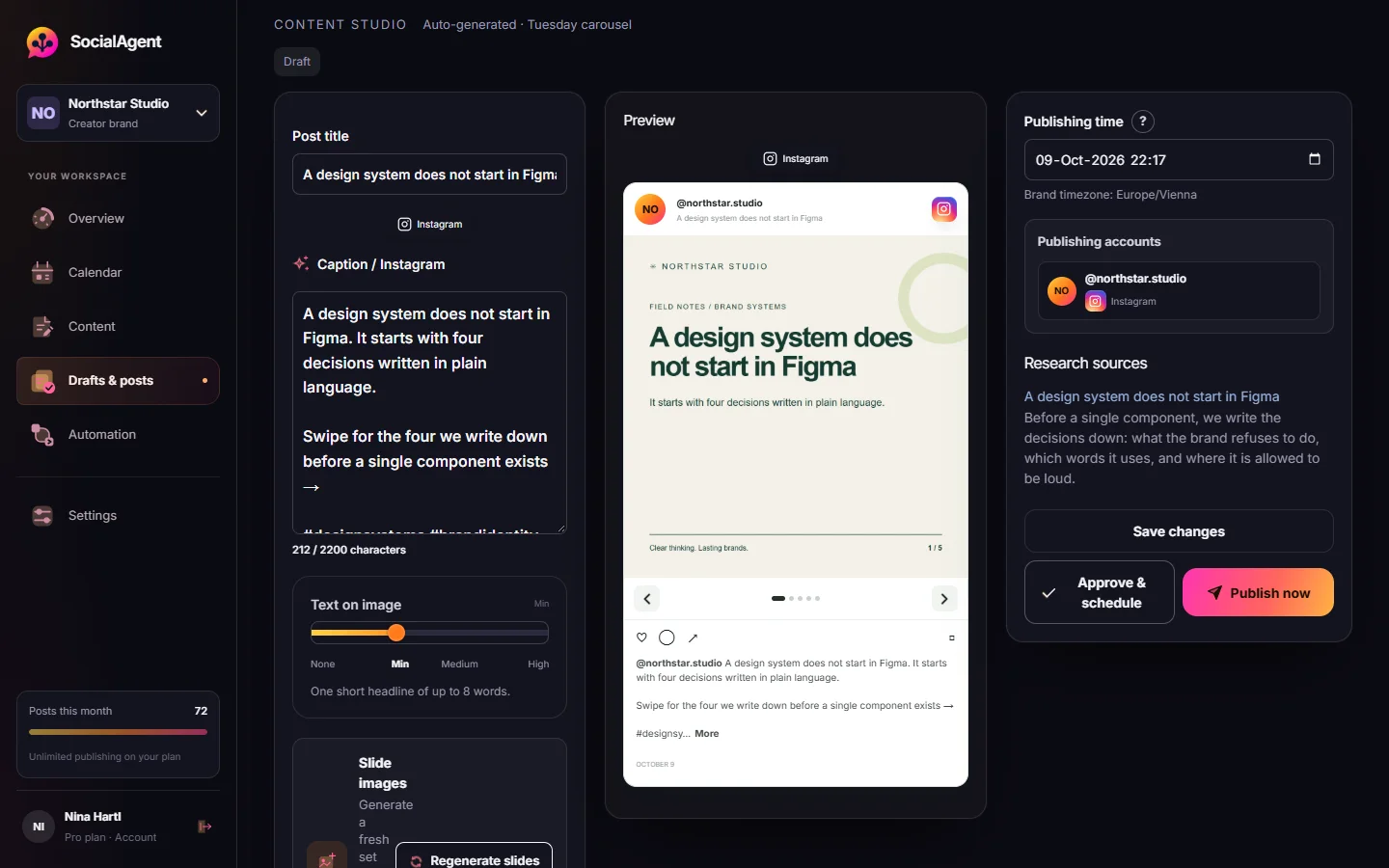
A posting routine for agents
-
Save your brand
Your area, your clients, your tone, your colors and logo.
-
Feed it the facts
Give each listing’s details yourself — price, rooms, viewing dates — so nothing is invented.
-
Schedule a weekly mix
Listings, local guides, buyer and seller tips, and a personal post.
What real estate agents can post each week
New listing carousels
Two to five slides: the headline features, the rooms, the location, the call to action.
Neighbourhood guides
Schools, cafés, transport. Useful posts that people save and share.
Buyer and seller tips
Answers to the questions you hear at every viewing.
Just sold
Social proof, with the client’s permission.
Market updates
Drafted from sources you trust, with the sources kept for review.
Open house reminders
Scheduled for the days before, in your timezone.
Common questions
Which social media is best for real estate agents?
Instagram and Facebook for buyers and local reach, LinkedIn for referrals and commercial property, short video for tours and neighbourhood clips.
Can AI write property descriptions?
Yes, from the details you provide. Always check facts like prices, sizes and dates before approving.
Can I manage several agents or offices?
On Pro, each agent or office can be its own brand workspace with separate accounts and voice.
Related guides and tools
AI Carousel Generator
Generate two-to-five-slide carousels with brand-aware AI artwork, your own AI keys, and a review step before publishing.
Read more →AI Instagram post generator
Create Instagram posts with AI in your brand style: captions, images, carousels and Reels. Review each post, then schedule it to your Instagram account.
Read more →Facebook Post Scheduler for Pages
Schedule Facebook Page posts with AI captions, photos and video. Review every draft and publish on a calendar in your brand’s timezone.
Read more →Social media for small business, without the extra hire
A simple way for small businesses to post consistently: AI drafts from your website, posts in your brand style, and scheduling to six channels. Free plan.
Read more →Post Ideas Generator
Twenty content angles for one topic, each tagged with the format it suits and the job it does.
Read more →Hashtag Generator
A balanced hashtag set from your keyword — broad, mid-size and niche tags, sized per platform.
Read more →Create your next post with AI
Free plan with 15 published posts a month. Bring your own AI key and review every post before SocialAgent publishes it.